
How to Change your Username
To change your username follow these steps below- Go to your dashboard
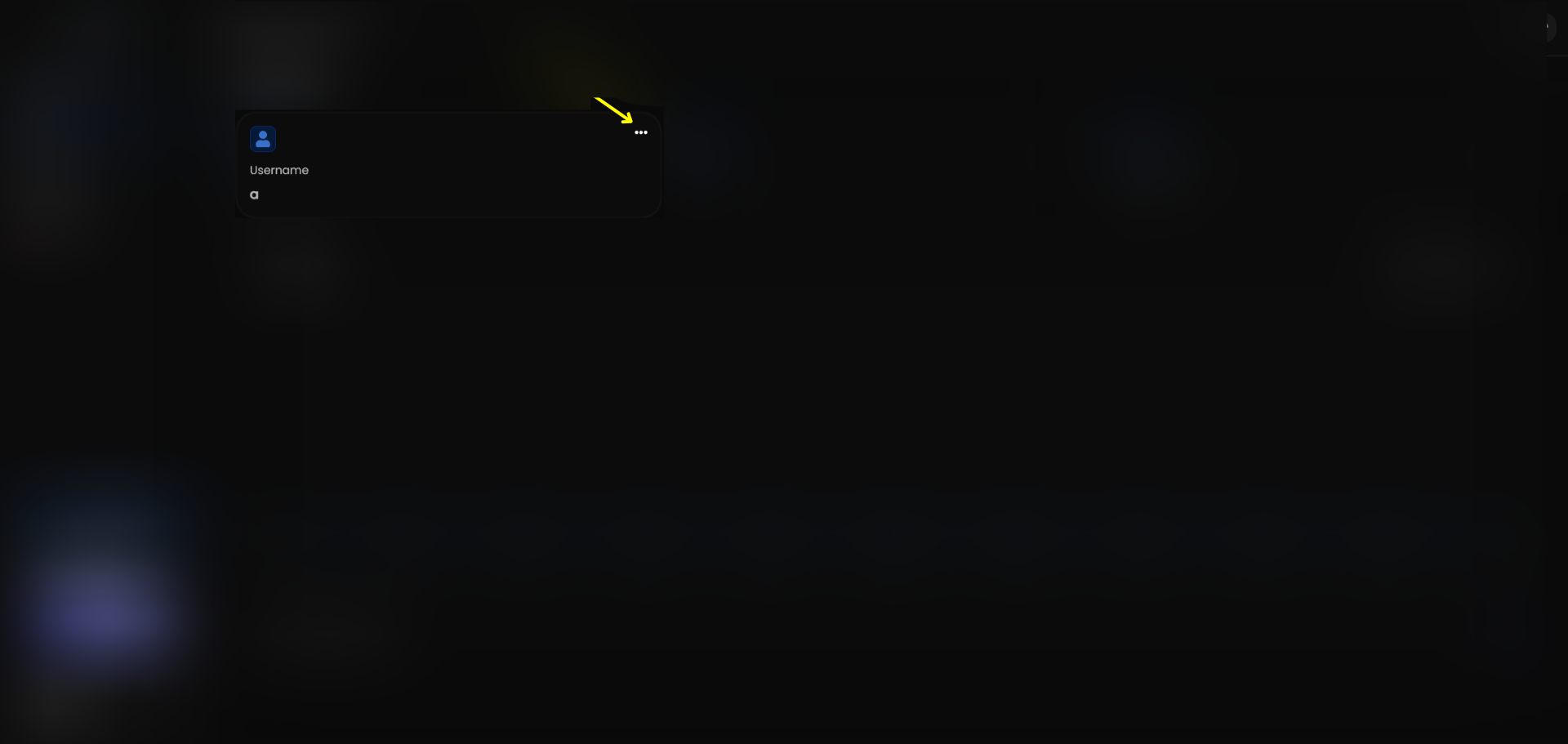
- Locate the “Username” card then click the three dots
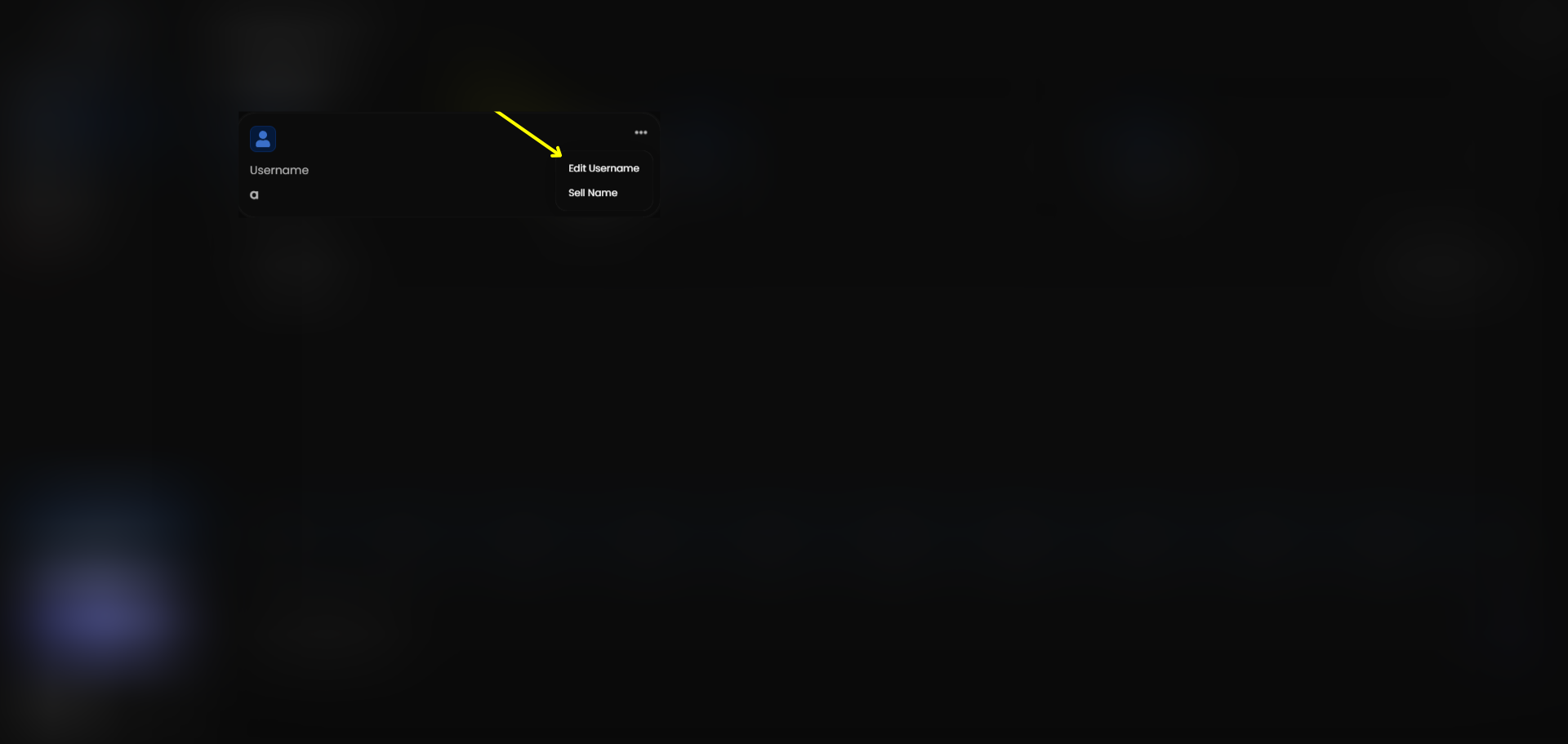
- Once you see the dropdown click Edit Username
- Then enter the information your asked for
Change your Repz.lol account username.